
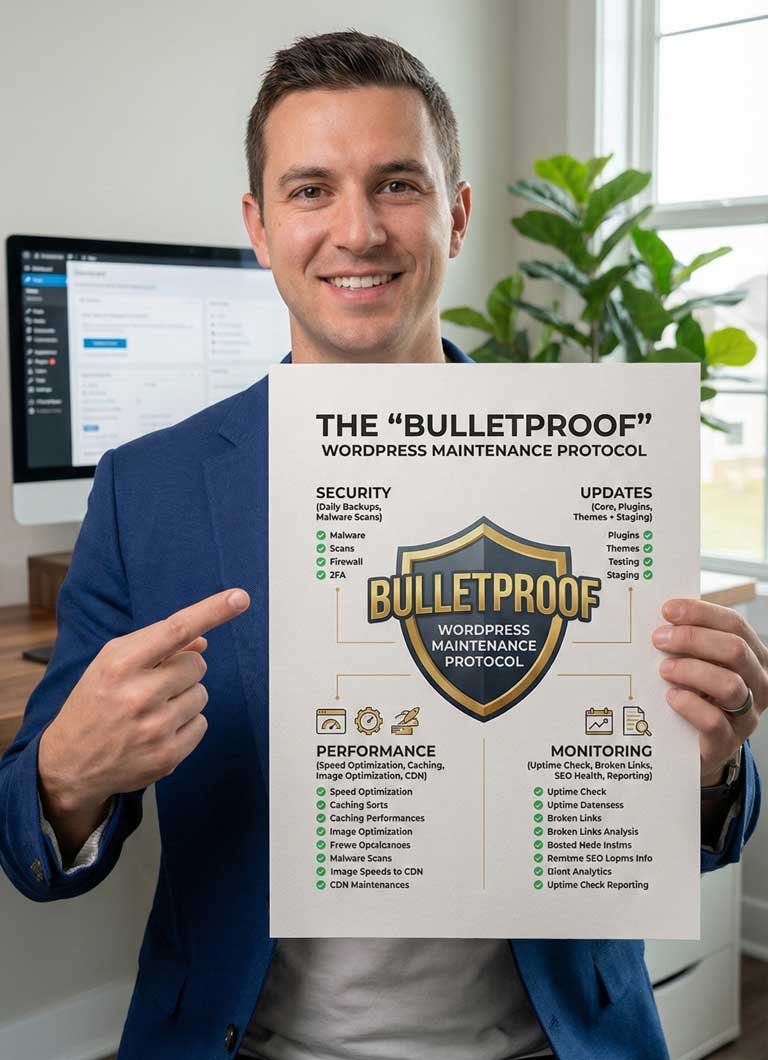
The “Bulletproof” WordPress Maintenance Protocol
57.00$ Original price was: 57.00$.4.99$Current price is: 4.99$.
Stop holding your breath every time you click “Update.” Updating your WordPress site shouldn’t feel like gambling. The “Bulletproof” Maintenance Protocol is the exact Standard Operating Procedure (SOP) I use to manage high-value client websites without ever crashing them.
Inside this 30-Minute SOP:
✅ The “Safety Net” Strategy: How to backup correctly so you can undo mistakes in seconds.
✅ The “1-by-1” Rule: The specific order to update plugins to prevent code conflicts.
✅ Security Audit: Find and remove the “Ghost Admin” accounts hackers hide.
✅ Speed Clean: Safely remove database junk to speed up your site.
Is the “Update” Button Scaring You?
You log into your dashboard. You see the red notification circles.
🔴 5 Plugins need updates.
🔴 Theme needs an update.
🔴 WordPress Core needs an update.
You know you should click them. But you remember the last time you did—the screen went white, the layout broke, and you spent 6 hours panic-Googling how to fix it.
So, you do nothing. You leave the door open for hackers, and your site gets slower every day.
It doesn’t have to be a gamble.
My name is Maher Hossain. I am a Classically Trained Engineer (MSc Data Science, OCJP). I don’t “guess” with websites; I engineer them.
I created the “Bulletproof” Maintenance Protocol because I needed a fail-safe system for my private clients. This isn’t a random list of tips; it is a professional Standard Operating Procedure (SOP) designed to isolate variables and protect your data.
Now, you can use the same system I charge clients hundreds of dollars a month for.
What You Will Master in 30 Minutes:
Phase 1: The Safety Net
Most people backup their site inside their site. If the site breaks, the backup is gone. I’ll teach you the “Off-Site” Backup Method that guarantees you can restore your business in 5 minutes, no matter what happens.
Phase 2: The “Anti-Crash” Update Hierarchy
Did you know the order you update things matters?
- We never click “Update All.”
- We follow a strict hierarchy: Plugins First → Theme Second → Core Last.
- I’ll show you how to test for visual breaks after each step.
Phase 3: The “Ghost User” Security Sweep
Hackers often create hidden Administrator accounts that you can’t see on the dashboard unless you know where to look. This SOP includes a “Ghost User” Audit step to find and delete intruders instantly.
Phase 4: The “Green Score” Database Clean
Every time you save a draft, WordPress clogs your database. I’ll show you the 3-minute workflow to clean the “trash” and speed up your site for Google.
Why Buy This SOP?
- It’s Cheaper Than an Emergency Fix: Developers charge $150+ to fix a crashed site. This protocol prevents the crash.
- It’s Non-Technical: I stripped away the jargon. If you can click a mouse, you can follow this checklist.
- It’s Proven: Tested on hundreds of WordPress sites across every major host (Hostinger, Bluehost, SiteGround, WP Engine, etc.).
🎁 Bonus Included:
The “Emergency Rescue” Script Pack ($27 Value)
If the worst happens (server failure), you need to talk to tech support. I’ve included copy-paste scripts you can send to your hosting provider to get your site back online fast, without sounding like a confused amateur.
Don’t wait for a hacker to find your outdated plugins. Download the Protocol and secure your site today.

Maher Hossain
MSc Data Science • BSc Computer Science and Engineering • Oracle Certified (OCJP).
I build systems that protect your digital assets so you can focus on growing your business.
Frequently Asked Questions
Are these suitable for beginners?
Yes. I have stripped away the complex jargon. If you can click a mouse and follow a checklist, you can use these tools.
Do I need to know how to code?
No coding is required for any of these products. They are designed for business owners.
How do I get the files?
Immediately after purchase, you will receive an email with a secure download link for the PDF guides.
What if I need help?
Every product comes with email support. If you get stuck, just reply to your receipt and I will help you.