
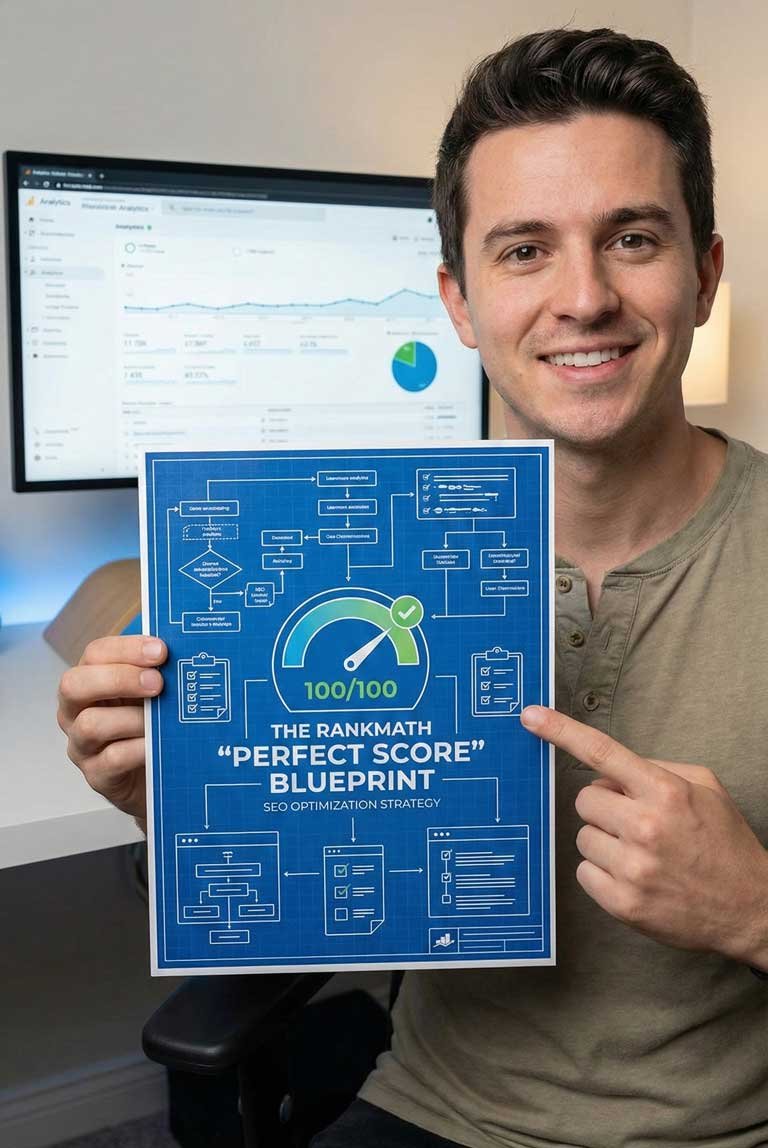
The “Perfect Score” SEO Setup Guide
37.00$ Original price was: 37.00$.2.99$Current price is: 2.99$.
Stop guessing. Start ranking. Most website owners install an SEO plugin, leave it on “Default,” and wonder why they aren’t on Page 1. The “Perfect Score” SEO Setup Guide is the exact engineering setup I use to force Google to index your best content and ignore the junk.
Default Settings Are Designed to Be “Safe.” Not Effective.
You installed an SEO plugin on your WordPress site. You see the menu in your dashboard. You assume you are “done.”
Here is the hard truth: SEO plugins come pre-configured for the average user. They are designed to prevent beginners from breaking their sites—not to help you dominate your niche. If you want to compete for the top spots, “Default” isn’t enough. You need Engineered.
If your content isn’t ranking, it’s likely because your “Global Meta” settings are diluting your authority or your Sitemap is sending Google to dead ends.
Enter: The “Green Light” Protocol
My name is Maher Hossain. As a Data Scientist and Web Developer, I don’t look at SEO as “magic.” I look at it as a data problem.
I created this blueprint to standardize the SEO setup for my private clients. It strips away the guesswork and gives you a specific “Toggle-by-Toggle” guide to configuring your site for maximum visibility.
What You Will Configure Today:
Phase 1: The “Bloat” Removal
WordPress automatically creates dozens of useless pages (Author Archives, Tag Archives, Date Archives) that have thin content. Google hates these.
- I’ll show you the exact “NoIndex” settings to hide this junk so Google focuses 100% of its power on your money-making pages.
Phase 2: The Sitemap Strategy
Your XML Sitemap is the map you hand to Google. Most people include “Media Attachments” and “Tags” in their sitemap, which wastes your Crawl Budget.
- I’ll show you exactly what to exclude to ensure Google crawls your important posts every time.
Phase 3: The Schema Setup
Want those star ratings, recipe cards, or “Knowledge Panels” to show up in search results?
- I’ll walk you through the Schema Identity setup to tell Google exactly who you are (Person vs. Organization) to unlock Rich Snippets.
Phase 4: The 100/100 Content Workflow
- I provide my personal Publishing Checklist. We do not hit “Publish” until the score is 80+. I explain exactly how to tweak your Keyword Density, URL structure, and Meta Descriptions to turn that light Green.
Why is this Guide Different?
This isn’t a 20-page theory book on “How to write good blogs.” It is a Technical Configuration Protocol. It is designed to be opened in one tab while you have your WordPress Dashboard open in the other.
Inside this Configuration Guide:
- ✅ The “Green Light” Checklist: How to hit a 100/100 SEO score on every post.
- ✅ The “NoIndex” Secret: Save your Crawl Budget by hiding useless archive pages.
- ✅ Schema Automation: Set up your site to get “Star Ratings” in search results automatically.
- ✅ Sitemap Logic: Exactly what to exclude to keep Google focused.
Author: Maher Hossain (MSc Data Science, BSC in CSE, OCJP)
Format: Digital PDF Guide
Tool Focus: Optimized for Rank Math (The industry standard)

Maher Hossain
MSc Data Science • BSc Computer Science and Engineering • Oracle Certified (OCJP).
I build systems that protect your digital assets so you can focus on growing your business.
Frequently Asked Questions
Are these suitable for beginners?
Yes. I have stripped away the complex jargon. If you can click a mouse and follow a checklist, you can use these tools.
Do I need to know how to code?
No coding is required for any of these products. They are designed for business owners.
How do I get the files?
Immediately after purchase, you will receive an email with a secure download link for the PDF guides.
What if I need help?
Every product comes with email support. If you get stuck, just reply to your receipt and I will help you.