
Stop Holding Your Breath Every Time You Click “Update” on Your Website.
The exact 30-Minute “Bulletproof” Protocol I use to secure, speed up, and update WordPress sites without crashing them—even if you have zero technical skills.
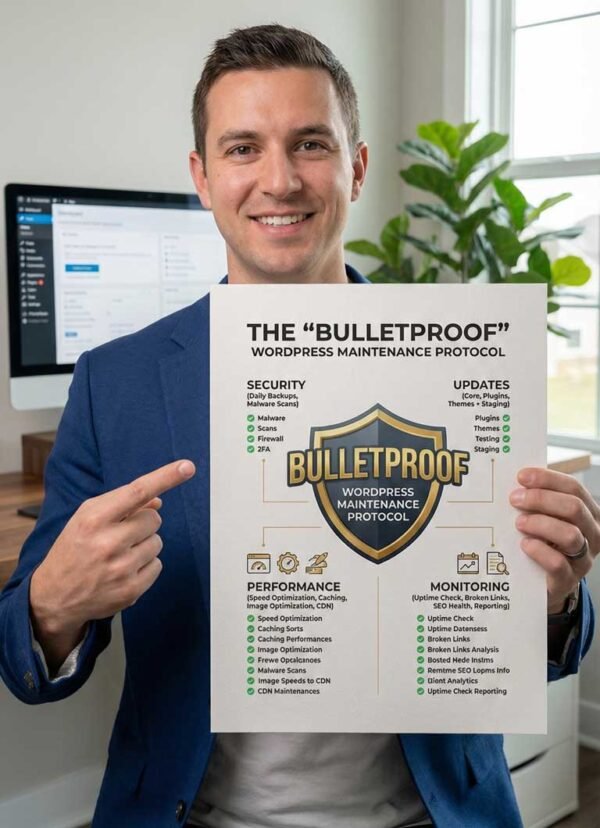
Tested on 1000+ Real-World Websites
Top Rated with 100% Job Success Score
Level 2 Seller with 5.0 Average Rating
1000+ Projects Completed
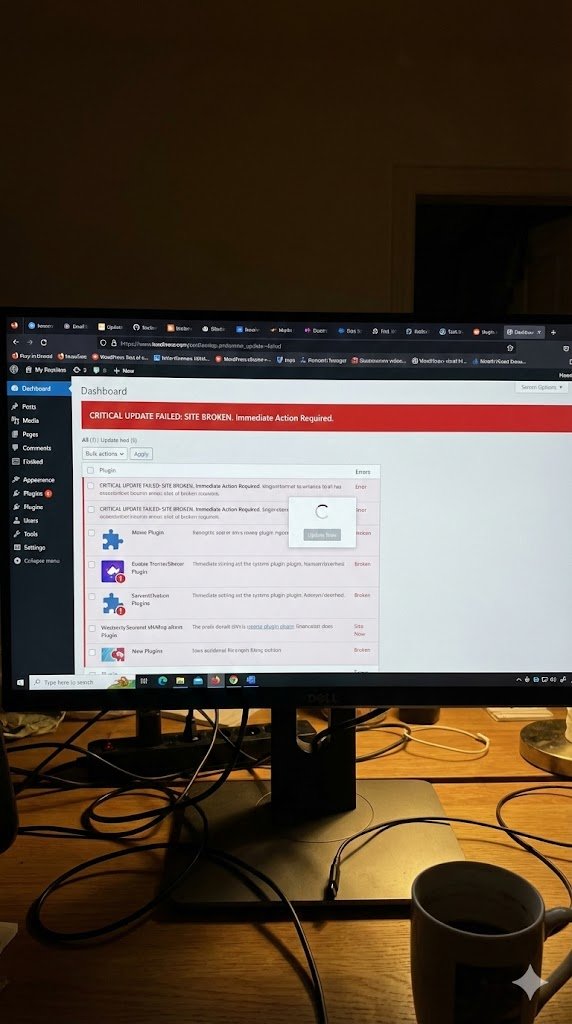
Does this look familiar?
You log into your website dashboard, and you see those little red circles staring at you:
🔴 5 Plugins need updates.
🔴 Theme needs an update.
🔴 WordPress Core needs an update.
You know you should click them. You know ignoring them makes your site slow and opens the door to hackers. But you’re paralyzed.
Why? Because the last time you clicked “Update All,” your site turned into a white screen. Your layout broke. The checkout button stopped working. You spent the next 6 hours panicking or paying an expensive developer for an “emergency rescue.”
So now, you do nothing. You wait. And your site gets riskier every single day. It doesn’t have to be a gamble.
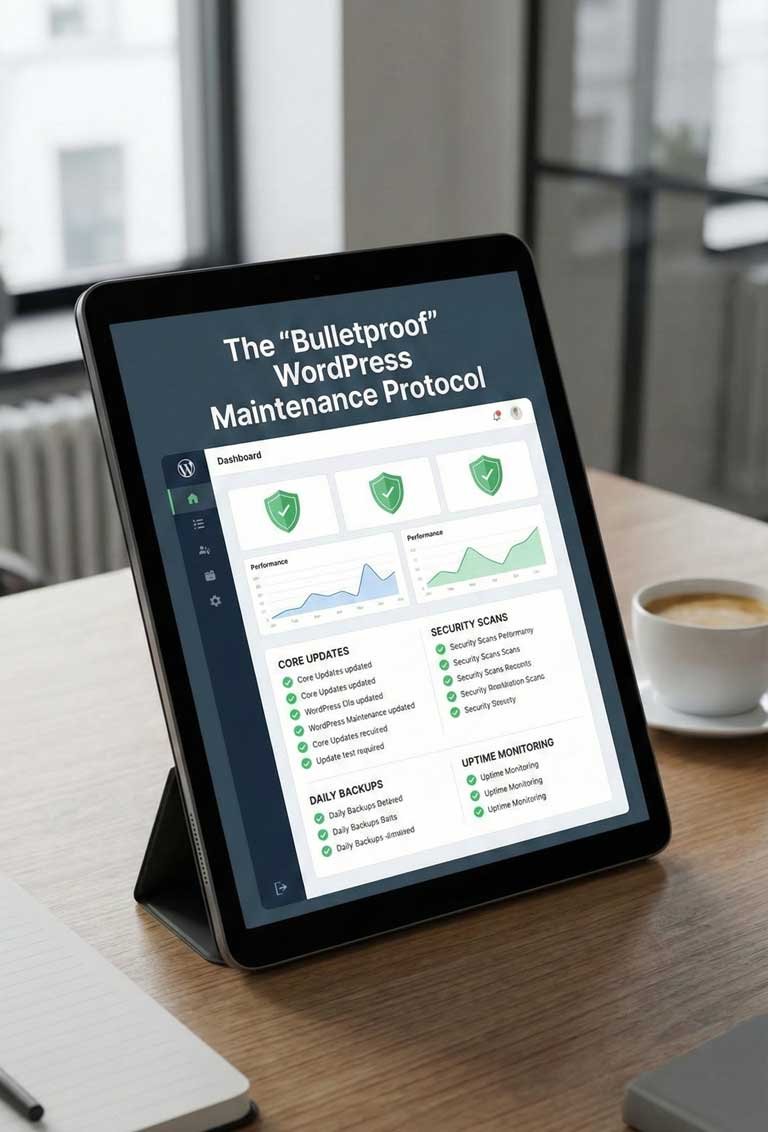
What’s Inside the SOP?
✅ The “Safety Net” Backup Strategy: The specific way to save your site before you touch anything, so if the worst happens, you can hit “Undo” in seconds.
✅ The “1-by-1” Update Rule: The professional method for updating plugins that prevents 99% of site crashes.
✅ The “Ghost User” Audit: How to find and remove hidden “Admin” accounts that hackers often leave behind (#1 security check).
✅ The “Green Score” Speed Clean: A 3-minute task to clean your database “junk” and speed up your site for Google.
✅ The “Lead Magnet” Test: The final check to ensure your contact forms are actually delivering emails to your inbox.
Stop Trusting Your Business to Amateurs
The web design industry is full of “hobbyists” who watched a few YouTube videos. But when your website breaks, they don’t know how to fix the code.
I am a Classically Trained Computer Scientist:
✅MSc in Data Science
✅BSc in Computer Science & Engineering
✅OCJP (Oracle Certified Professional)
Why does this matter to you?
It means I understand the code behind the plugins. I understand database integrity. I don’t just “guess” and hope your site works—I engineer it to stay online.
I usually charge $50+ per hour to fix broken websites. I’m giving you this checklist ($4.99) because I believe every business owner deserves a secure website.
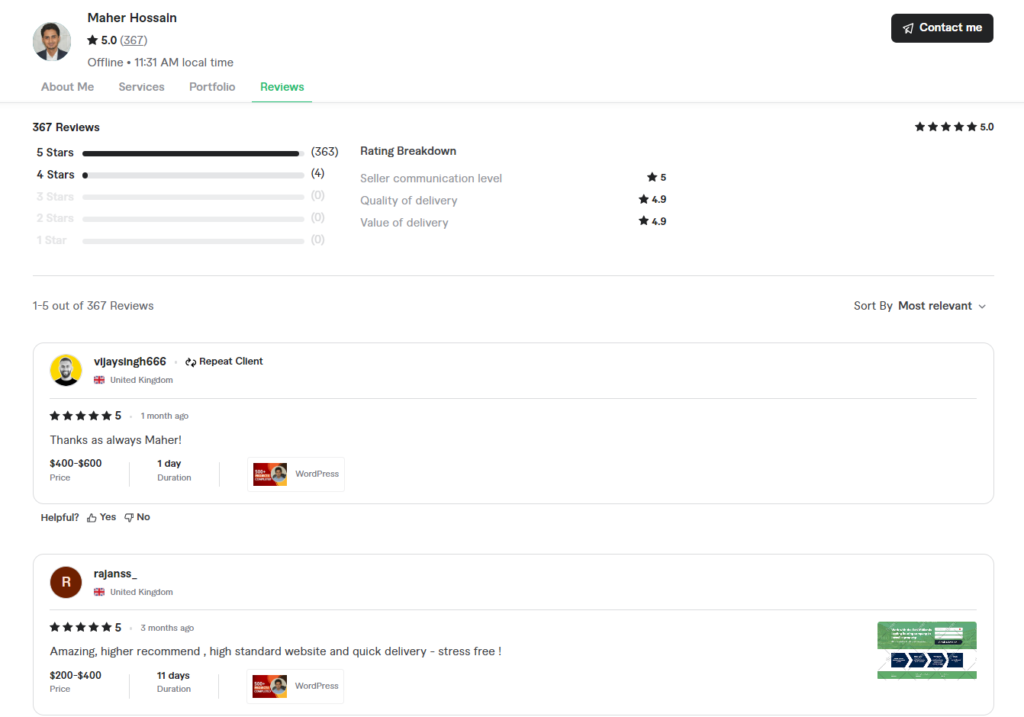

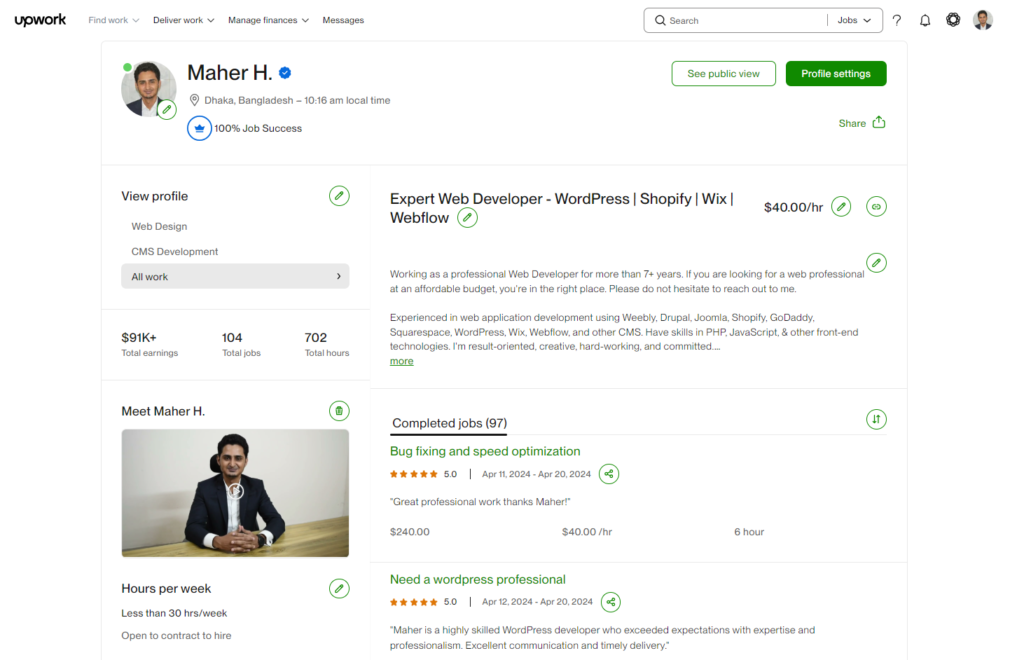

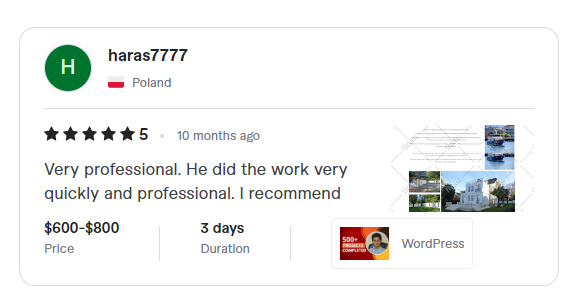
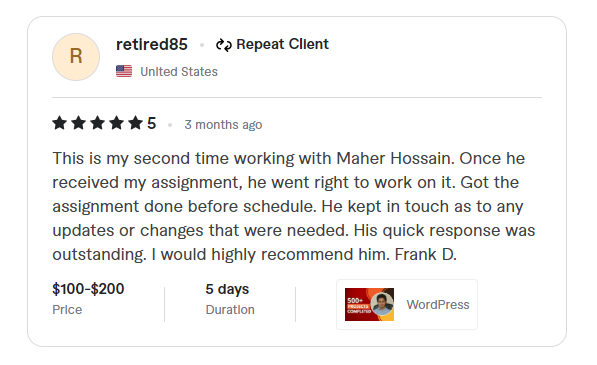
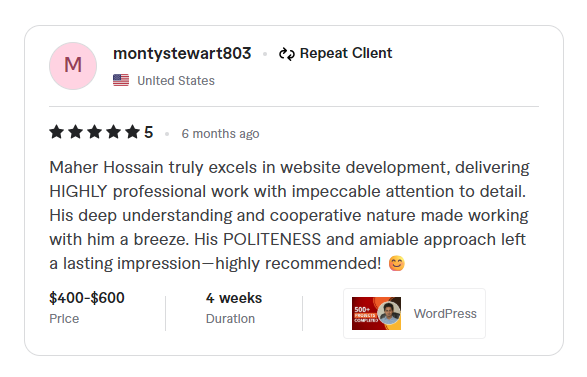
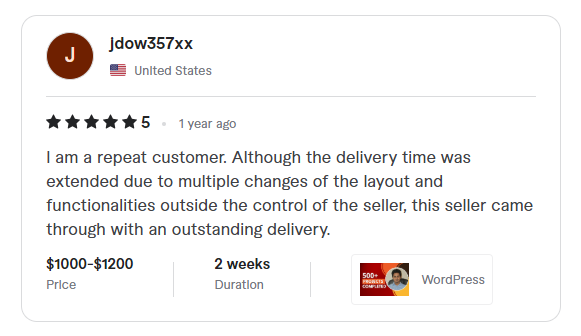
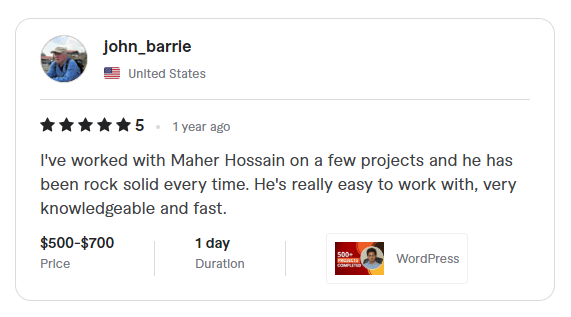
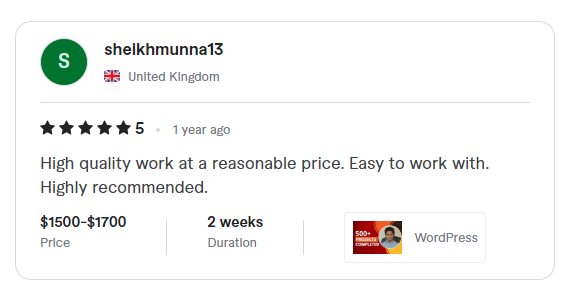
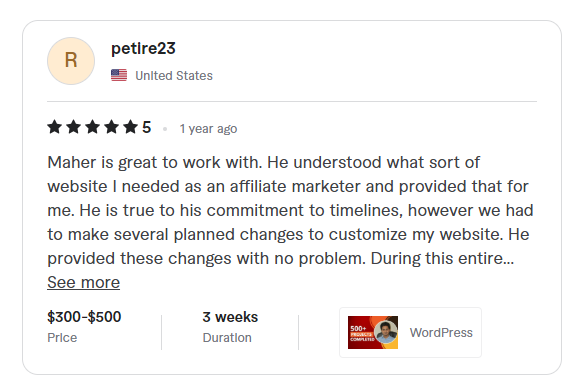
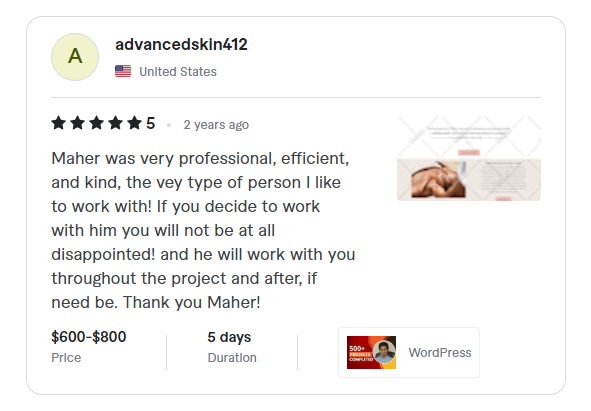
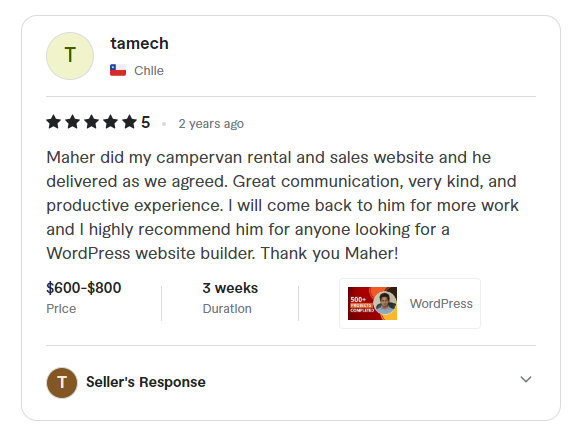
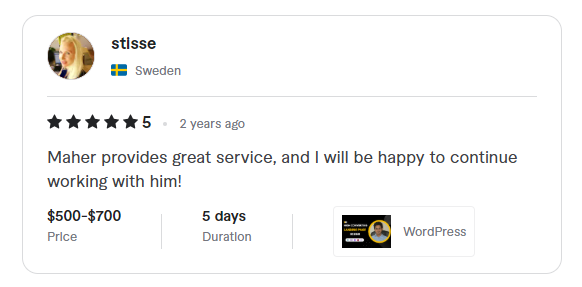
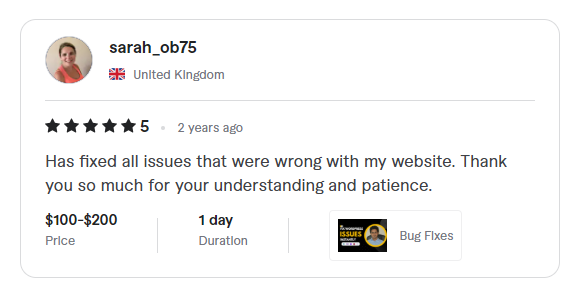
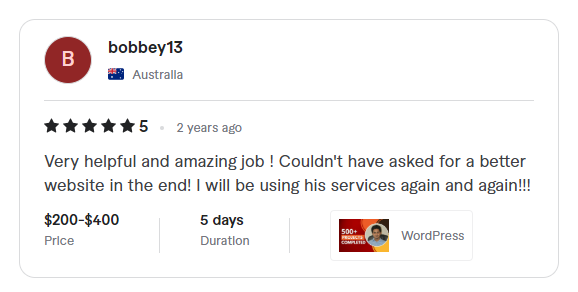
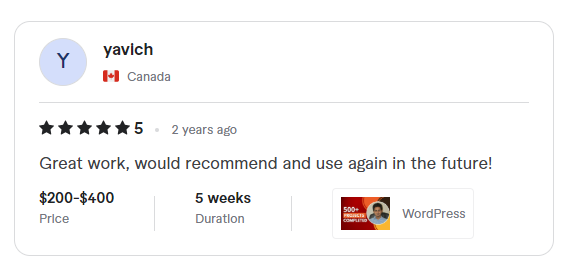
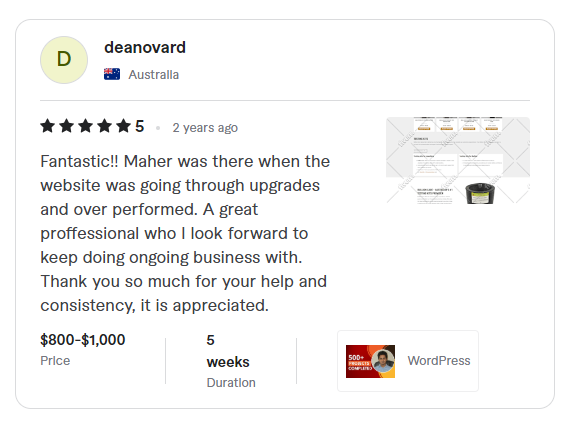
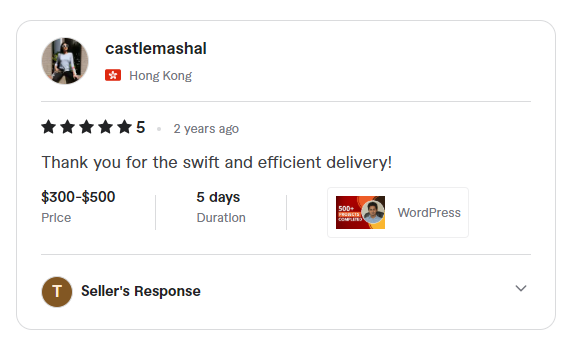
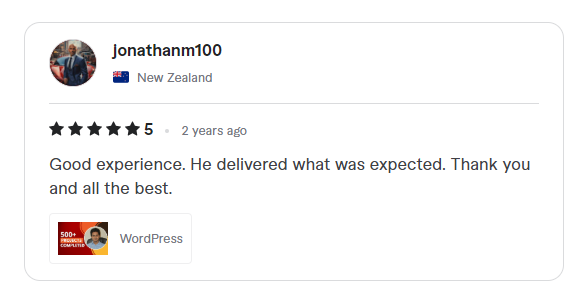
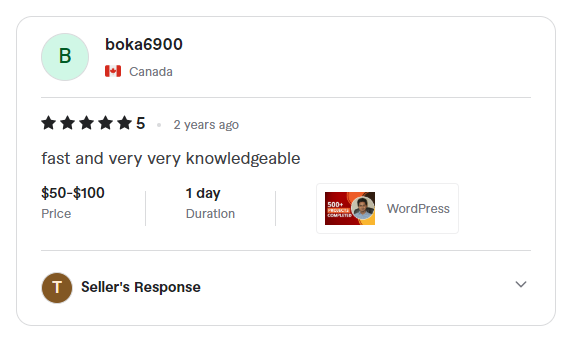
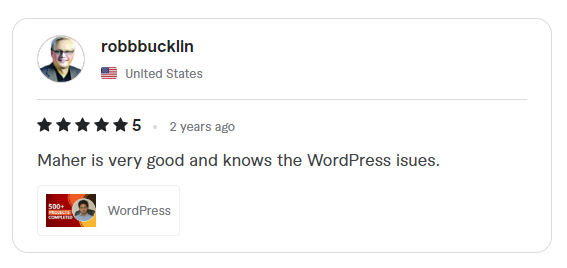
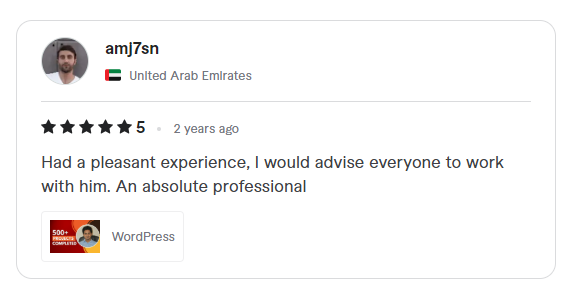
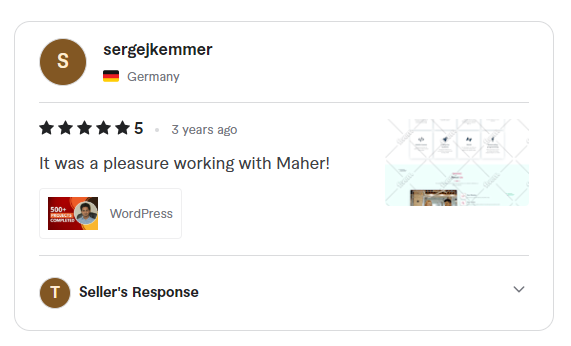
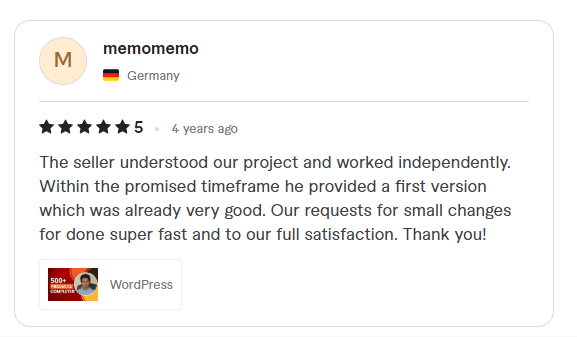
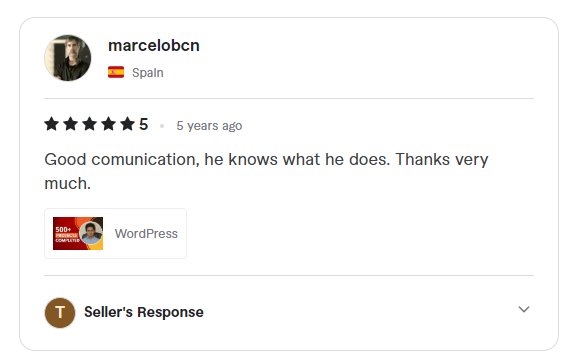
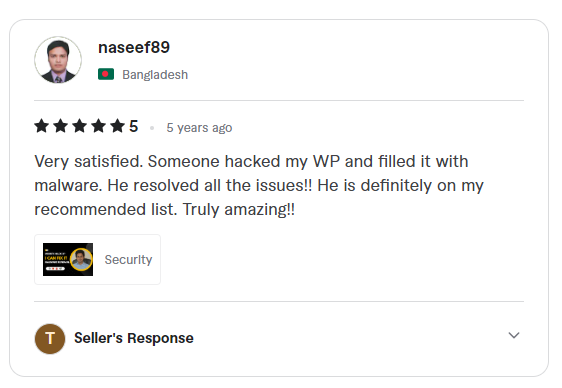
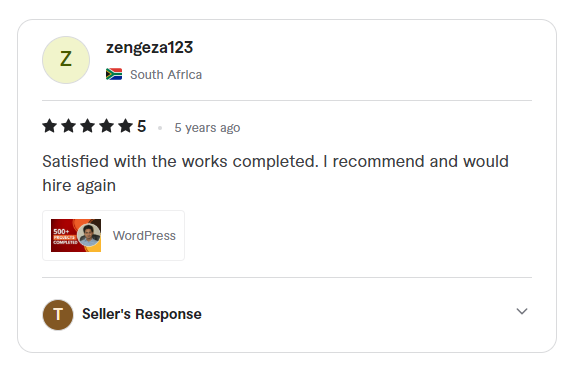
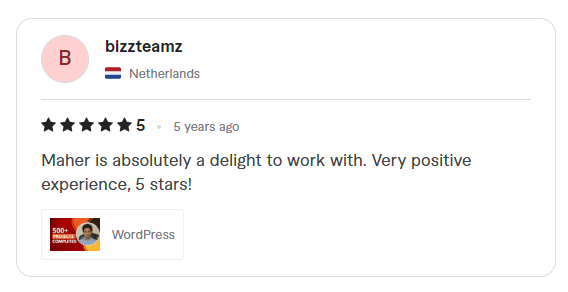
Customer Reviews
Excellent 5.00 of 5 | 780 reviews

Order Today & Get These Bonuses
✅ The Bulletproof Maintenance SOP (Value $47)
✅ Bonus 1: Emergency Rescue Scripts (Value $27)
Know exactly what to say to hosting support if your site ever goes down.
✅ Bonus 2: My “Top 5” Essential Plugin List (Value $19)
My personal list of free tools I install on every client site.
TOTAL VALUE: $93.00
$4.99
Frequently Asked Questions
I am not technical. Can I do this?
Does this work for Elementor/Divi sites?
What if I buy it and still can’t figure it out?
Don’t wait for a hacker to find your outdated plugins.
Secure your site today with Master-Level expertise.